Fix "Error occurred prerendering page" in Next.js: React Module Resolution
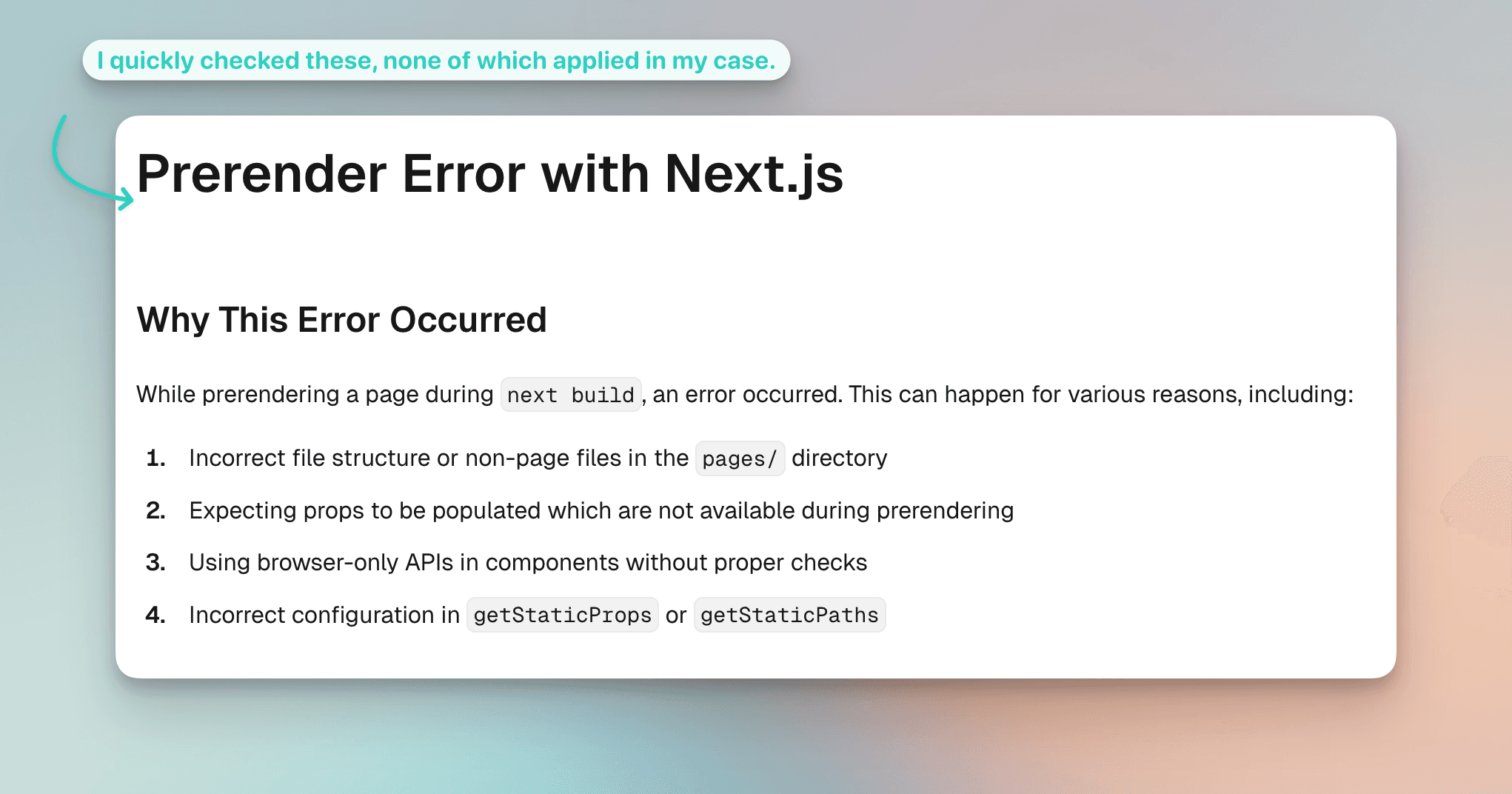
Today, a Next.js deployment on Vercel failed with an error message that Codex wasn't able to one-shot. I checked the Next.js error page and also googled, and after checking the mentioned causes, I couldn't find my root cause.
I want to get into the habit of debugging more manually, after I used AI heavily and blindly sometimes. You know? Just like you should stretch your hip flexors or your neck after reading this, it's sometimes useful to slow down a bit with coding, too. This hasn't changed even with AI. You can still leverage AI of course, but you gotta use your brain, just like you should use your hip flexors.
So what error did I debug today?
I checked the Next.js error documentation. The listed causes didn't mention monorepos. Codex couldn't quickly fix it either, which suggested this wasn't a straightforward issue.
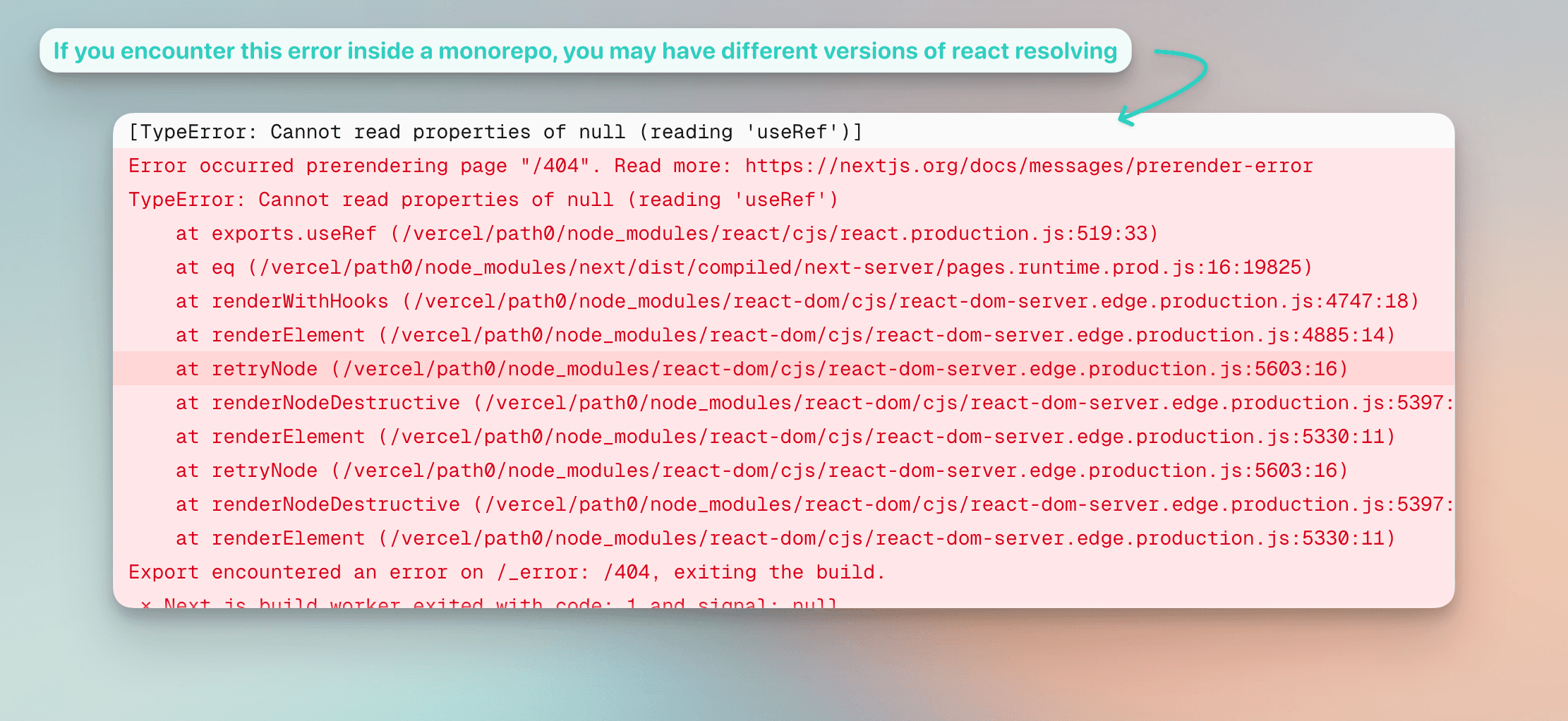
After some debugging, I realized what happened: I had multiple versions of React installed across my monorepo. The culprit were different react versions. They may have been introduced by updating the deps after the recent React CVEs, by downloading frontend components via a CLI or of course by not reviewing code diligently in the past (clanker et al.).
I expected to see the classic warning about multiple React copies, as discussed in Dan Abramov's GitHub issue and later implemented via PR #3580. That warning never showed up in the Vercel build logs for me, which made this bug harder to spot.
Codex did suggest to verify the resolution of react packages. I don't know how it did that (that would be interesting, let me know if you know how to quickly do that!). But it verified, so we went on to give the patch a try.
The problem with multiple React versions
In pnpm, which is the package manager I mainly use, you can define a pnpm-workspace.yaml at the root and define a catalog to ensure same versions of shared dependencies across apps in monorepos.
In the case of React, this came in quite handy as the ecosystem is so big that different dependencies may rely on different versions. For example, when you install a component via the shadcn CLI, you wouldn't know which React version that component supported.
However, since you now own this code inside your codebase, you have to maintain it as well. If it's using deprecated dependencies, you have to ensure to align it with the rest of your frontend dependencies.
The catalog solution
Especially if you have multiple apps using React, this can get a bit tricky and you may lose track of which app runs on which version. If your versions turn out to expose your apps to vulnerabilities, you may be forced to manage that.
This is why you can define a catalog inside monorepos (in the workspace's root). It lets you explicitly define in one place which version you're supporting internally.
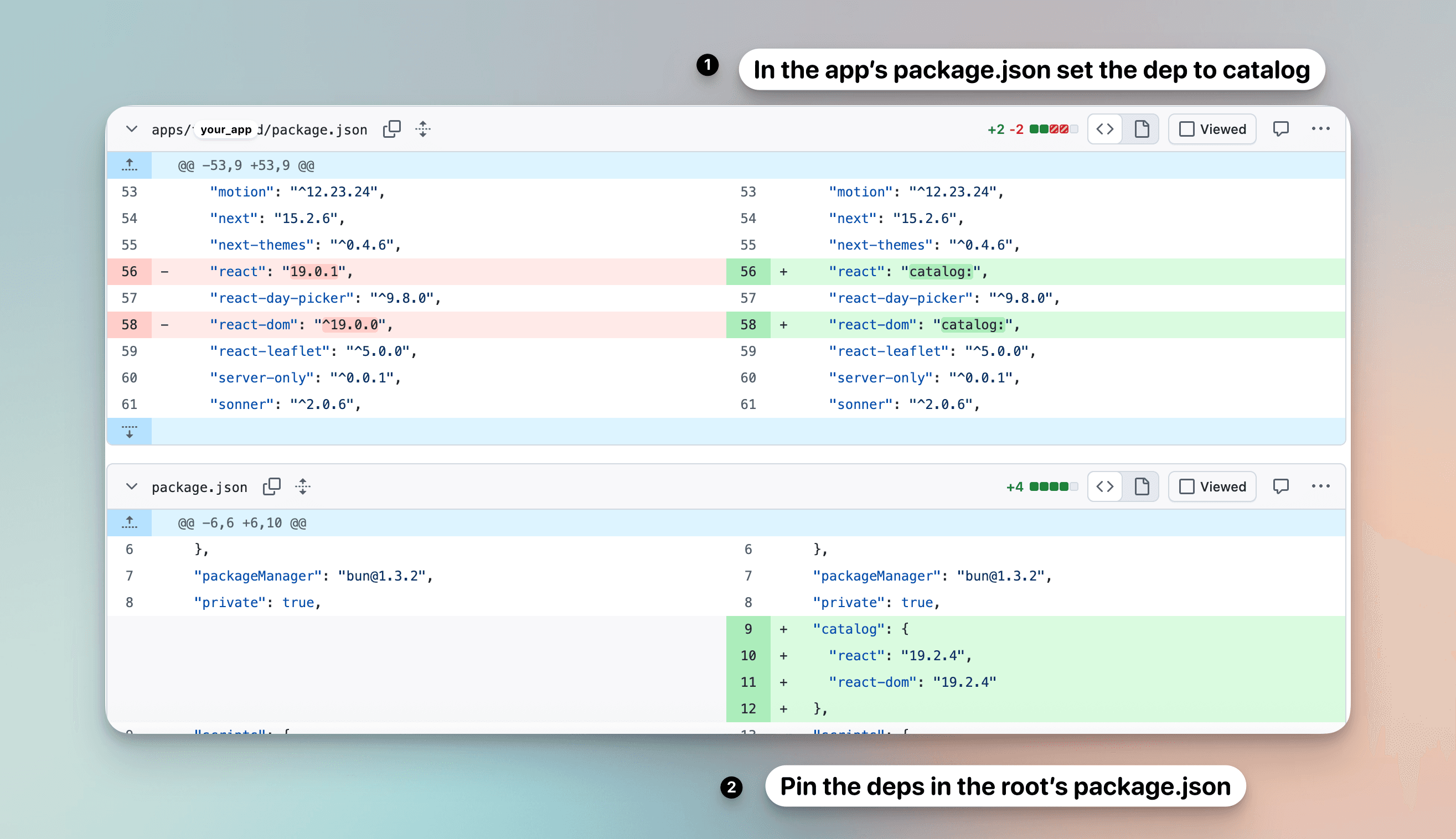
In this particular case, I was working with a bun workspace, which also supports the catalog but it let's you define it on the package.json in the workspace root.
I like that convention as the root's package.json seems to be the only package.json that's...not overwhelming to read. It makes sense to me.
It's nice if different package managers support conventions as it makes it easier to become agnostic to tooling (with all the pros and cons that come with it).
A well-setup example
One example I often reference for well-setup workspaces is create-t3-turbo, where Julius cleanly set up tooling for these cases.
Contributing back
I'm trying to become a more sustainable and dutiful OSS citizen, so I opened a pull request on the Next.js repository to help others who might encounter this same issue.